In today’s gig economy, managing finances can be a daunting task for freelancers and independent contractors. Enter QuickBooks Self-Employed, a powerful tool designed specifically to meet the unique needs of self-employed individuals. This comprehensive guide will explore the features, benefits, and practical applications, helping you understand why it’s a must-have for managing your freelance business efficiently.
What is QuickBooks Self-Employed?
It is an accounting software tailored for freelancers, independent contractors, and sole proprietors. Unlike traditional accounting software, this solution focuses on simplifying income and expense tracking, tax deductions, and financial reporting. It is ideal for those who need a straightforward solution without the complexity of larger accounting systems.
Key Features of QuickBooks Self-Employed

1. Income and Expense Tracking
One of the standout features of it is its ability to track income and expenses effortlessly. By connecting your bank and credit card accounts, the software automatically imports and categorizes transactions. This feature ensures that you never miss a deduction and keeps your financial records up-to-date.
2. Tax Deduction Optimization
Tax season can be particularly stressful for self-employed individuals. QuickBooks Self-Employed simplifies this process by helping you identify potential tax deductions. The software categorizes expenses into tax-deductible categories and generates reports that are ready for tax filing. This not only saves time but also helps maximize your deductions, potentially lowering your tax liability.
3. Invoicing and Payment Collection
This software includes invoicing capabilities that allow you to create and send professional invoices directly from the platform. You can customize invoices with your logo and payment terms, and clients can pay online through various payment methods. This feature streamlines the billing process and improves cash flow management.
4. Mileage Tracking
For many self-employed professionals, mileage can be a significant deductible expense. QuickBooks offers an automatic mileage tracking feature that uses GPS to record your business-related driving. This ensures accurate mileage logs and simplifies the process of claiming mileage deductions on your tax return.
5. Financial Reporting
Understanding your financial health is crucial for making informed business decisions. QuickBooks software provides a range of financial reports, including profit and loss statements, expense reports, and tax summaries. These reports offer valuable insights into your business’s performance and help you make strategic decisions.
Why Choose QuickBooks Self-Employed?
1. User-Friendly Interface
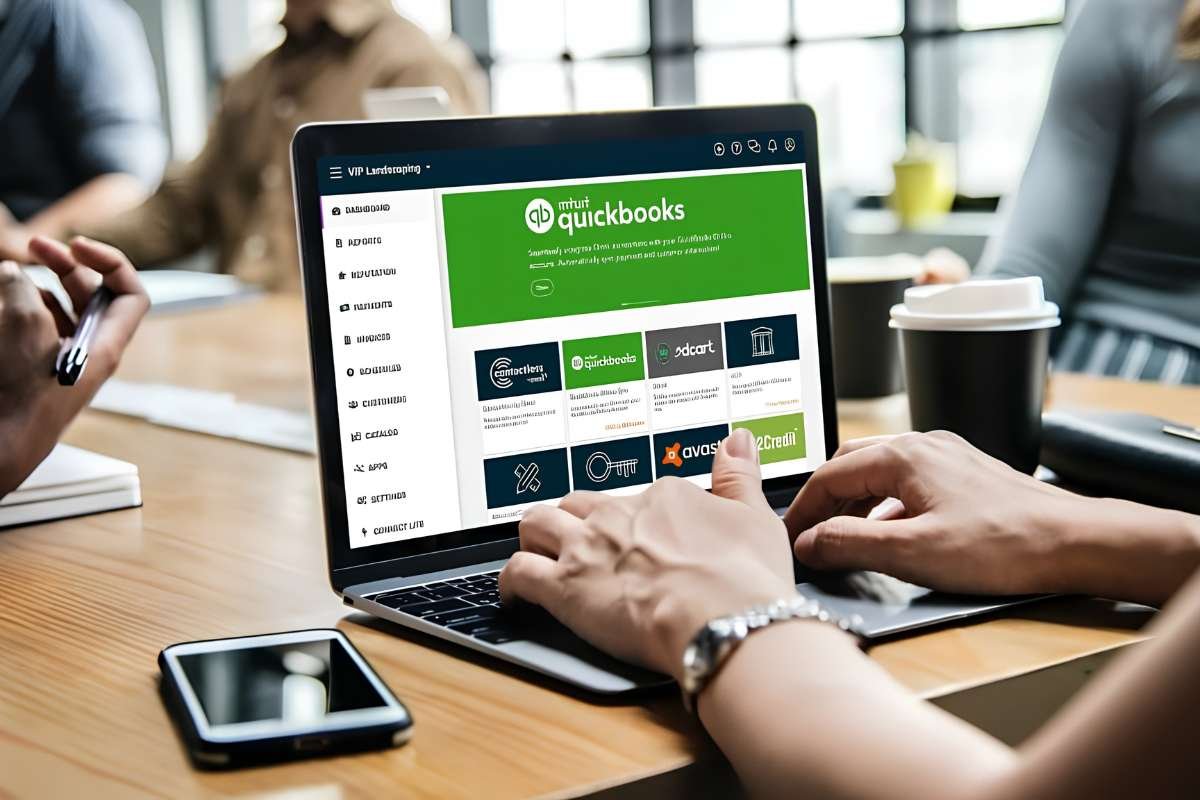
One of the primary advantages is its user-friendly interface. The software is designed with simplicity in mind, making it accessible even for those with minimal accounting experience. The intuitive dashboard and easy navigation ensure that you can manage your finances without the need for extensive training.
2. Cost-Effective Solution
This efficient software offers a cost-effective solution for managing your finances. With a subscription model that starts at a competitive rate, it provides essential accounting features without the higher costs associated with more comprehensive accounting software. This makes it an attractive option for freelancers and independent contractors looking to keep expenses in check.
3. Integration with TurboTax
For those who use TurboTax for tax preparation, QuickBooks Self-Employed offers seamless integration. This integration simplifies the process of transferring financial data from QuickBooks to TurboTax, reducing the chances of errors and saving time during tax season.
4. Cloud-Based Access
Being cloud-based allows you to access your financial information from anywhere, at any time. Whether you’re on the go or working from home, you can easily stay on top of your finances and make updates in real-time. This flexibility is particularly beneficial for freelancers who frequently travel or work remotely.
How to Get Started?
Getting started with QuickBooks Self-Employed is straightforward. Here’s a step-by-step guide:
- Sign Up for an Account: Visit the QuickBooks website and choose the plan that best suits your needs. You can start with a free trial to explore the features before committing.
- Connect Your Bank and Credit Card Accounts: Link your financial accounts as it automatically imports and categorizes transactions. This step is crucial for accurate income and expense tracking.
- Set Up Expense Categories: Customize your expense categories to match your specific business needs. This will help you categorize transactions correctly and maximize your tax deductions.
- Start Tracking Income and Expenses: Begin using the software to record income and expenses. Regularly review and categorize transactions to ensure that your financial records are accurate and up-to-date.
- Generate Reports and Invoices: Utilize the reporting and invoicing features to manage your business effectively. Generate financial reports to monitor your performance and create professional invoices to streamline your billing process.
Conclusion
QuickBooks Self-Employed is a valuable tool for freelancers and independent contractors seeking a simple and effective way to manage their finances. With features designed to streamline income and expense tracking, optimize tax deductions, and facilitate invoicing, this software helps you stay organized and focused on growing your business. Its user-friendly interface, cost-effectiveness, and integration with TurboTax make it an essential tool for self-employed individuals looking to simplify their financial management.
By leveraging it, you can ensure that your financial records are accurate, your tax deductions are maximized, and your invoicing processes are efficient. As the gig economy continues to grow, having a reliable financial management tool is more important than ever.
Did you find this article helpful?
Visit more of our blogs! London Business World